
/features
A complete desktop that stays lean.
Pick a desktop and a profile at install time. The full system adds a themed, configured desktop with sensible services; extras add the heavier apps. Anything you don't want can be switched off in a module of your own.
01Profiles
Two ways to start.
"profile": "full" · default
Everything on this page. Home Manager dotfiles, theme, snapshots, OpenSnitch and the options you picked in the installer.
"profile": "minimal"
The small install: a plain desktop with the same encrypted disk, ephemeral root and hardening, Firefox, rootless Podman, Flatpak with Flathub and printing, and the helper commands a machine needs. ephemeral-setup turns it into the full system later.
02Desktops
Four desktops, each in both profiles.
- PlasmaTiles windows with Krohnkite, three columns to start; colors from the wallpaper through matugen.
- GNOMEExtension Manager, with the tray and Caffeine extensions on by default.
- niriA scrollable-tiling Wayland compositor, with the Noctalia shell and login screen.
- UmbrielWith the Noctalia shell; a keybind cheatsheet at the first login, Mod+/ afterwards.
niri and Umbriel come with Nautilus and the GNOME apps that open what's in it. Every desktop is built, and booted in a VM to its login screen, before a release.
03The full system
Next to a plain desktop, it adds:
- Home Manager dotfiles
- zsh, git, starship, zoxide, neovim and Ghostty
- One theme everywhere
- Catppuccin Mocha through Stylix, Noto Sans and JetBrains Mono
- Snapshots
- hourly snapper snapshots of /persist: 24 hourly, 7 daily, 4 weekly
- Disk health
- desktop warnings from smartd when a disk starts failing
- OpenSnitch
- asks before each program connects out
- Syncthing and scanning
- file sync between your devices, and SANE with driverless scanners
- Rebuilds through nh
- with a summary of what changed
- Laptop extras
- thermald on Intel, battery reporting, fingerprint login, when the hardware is there
Off unless you turn them on
- NVIDIA
- open or legacy drivers, chosen by the installer
- Tailscale
- with its state kept and an OpenSnitch rule
- Control D
- all DNS over TLS, no fallback servers
- SMB shares
- SMB 3.1.1 with encryption; credentials root-only
- Proton Pass
- settings pulled from a vault, and an SSH agent so keys never sit in ~/.ssh
04Extras
"extras": true adds the bigger things.
- Steam, VS Code, Brave, VLC, distrobox, Syncthing Tray, 7-Zip, unrar, git-crypt and age
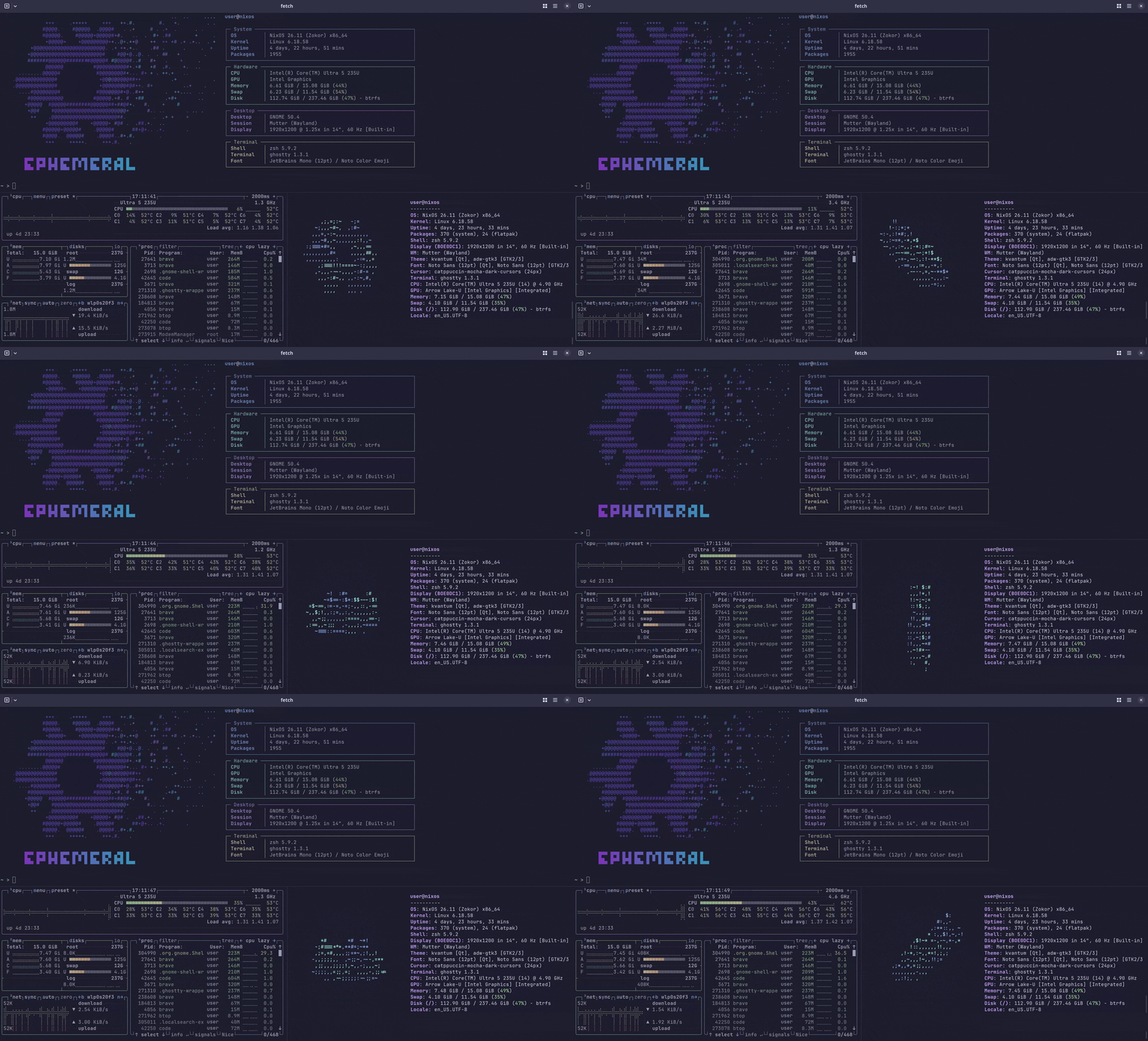
- atuin, fzf, bat, tealdeer, yazi, btop and fastfetch in the shell
,runs any program once without installing it, and a missing command names its package
05App picker
No Nix files to edit to add an app.
ephemeral-apps offers over 100 common apps by category: browsers, chat, office, media, graphics, games, development, security and penetration testing, terminal apps, utilities, system tuning and virtual machines. Labels show which are unfree, which come from Flathub, and which carry a warning, such as Docker adding you to a powerful group. Every warning is shown again before anything is saved.
Picks go to apps.json, a plain list, and are installed on the next rebuild along with whatever they need: groups, settings, kept folders, and unfree packages added to the allowlist. The installer offers the same list.
06Helper commands
One command per job.
Everyday jobs never need nixos-rebuild or a path: flake reference. Commands that change the machine ask first and say what they're about to do; every error says what to do next.
ephemeral-update | rebuild, check a change, roll back, move to a new release |
ephemeral-doctor | check the machine; kept and lost show what survives a reboot |
ephemeral-setup | switch between the full system and the small install, toggle the main options |
ephemeral-apps | pick extra apps by category, then rebuild |
ephemeral-backup | save the settings and secrets a reinstall needs, encrypted |
ephemeral-passwd | change your login password safely |
ephemeral-report | system details for a bug report, without user or host names |
luks-header-backup | copy the LUKS header to a USB stick |
07Limits