
/docs · Using it
Dotfiles and appearance
The Home Manager dotfiles, the Catppuccin theme through Stylix, Plasma, the wallpaper.
Dotfiles
Each file in modules/dotfiles/ sets up one program in Home Manager: zsh with autosuggestions and syntax highlighting, git, starship, zoxide, neovim and ghostty, plus yazi (y), btop, fastfetch, atuin, fzf, bat and tealdeer with extras. Change them from your own modules, as shown in Customizing. When Home Manager has to replace a file that’s already there, it renames the old one to <name>.hm-backup first. $EDITOR is neovim, or VS Code (code --wait) with extras.
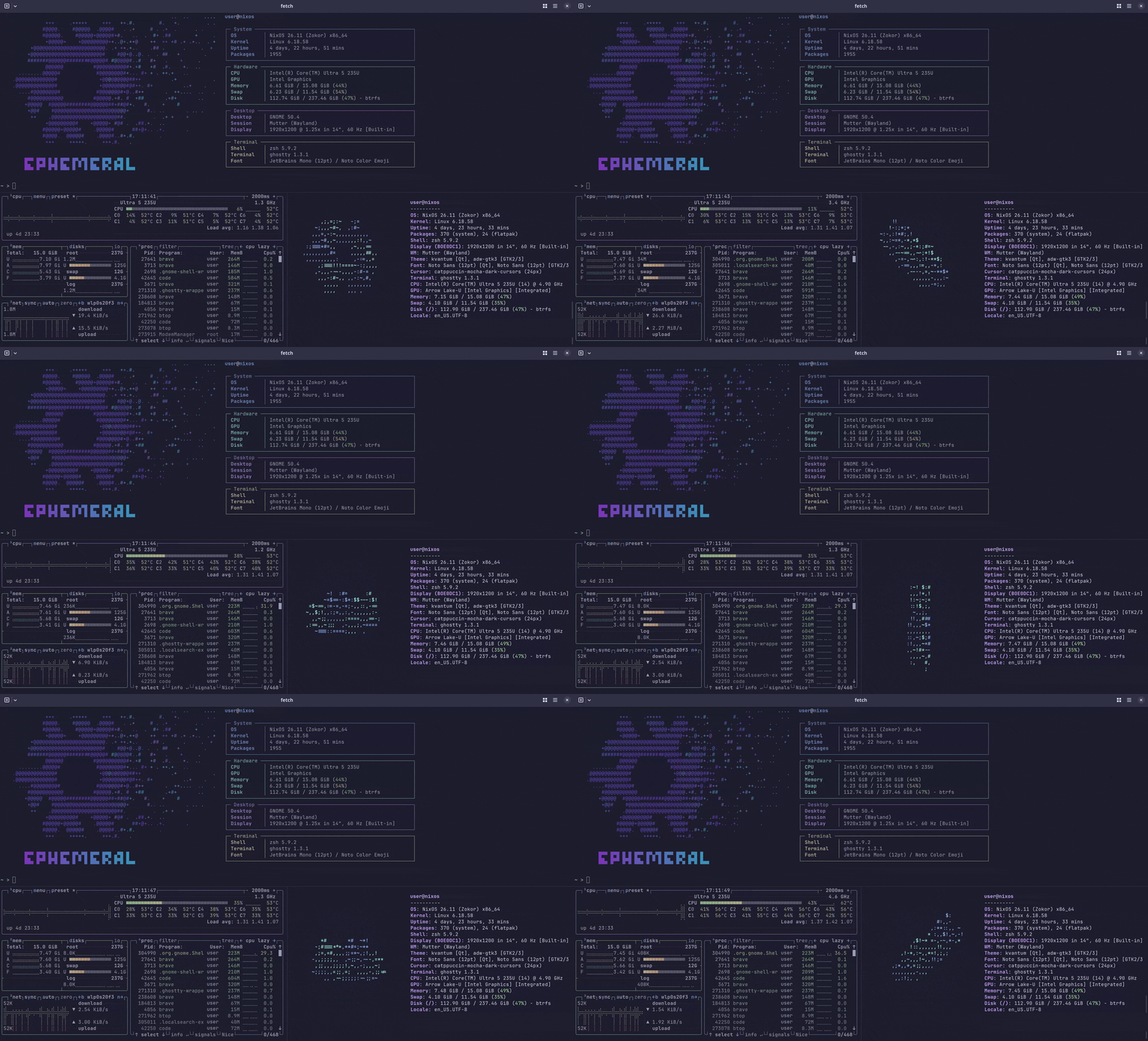
Theme
Stylix applies the Catppuccin Mocha palette to GTK and Qt apps, GNOME Shell, Noctalia on niri and Umbriel, the boot splash, the console and the dotfiles above. Plasma takes its colors from the wallpaper instead (see Plasma). Fonts are Noto Sans and Noto Serif, with JetBrains Mono for code. The cursor is Catppuccin Mocha Dark.
To use another base16 scheme:
{
  flake.modules.nixos.pc =
    { lib, pkgs, ... }:
    {
      stylix.base16Scheme = lib.mkForce "${pkgs.base16-schemes}/share/themes/tokyo-night-dark.yaml";
    };
}
Pointing at a scheme file means Nix has to build base16-schemes while evaluating, which nix flake check --no-build refuses. To keep that check working, copy the scheme’s colours inline, the way modules/stylix.nix does.
Some Stylix features are switched off:
- Its package overlays rebuild GNOME Shell and a few libraries from source on every update. Without them the GDM login screen isn’t themed, but it is still dark.
- The VS Code target replaces
settings.jsonwith a read-only file. Turn it back on withstylix.targets.vscode.enable = lib.mkForce trueinflake.modules.homeManager.base. - The browser target sets a Chromium/Brave policy, which locks the theme colour and shows “managed by your organization”.
- Setting the wallpaper on every login, so that one you pick yourself sticks.
Plasma
On the full profile, Plasma is set up with plasma-manager in modules/desktop/plasma-home.nix:
- Krohnkite tiles windows, starting in three columns.
Meta+Ffloats or tiles a window,Meta+\cycles the layouts, and Steam always floats. Turn it off in System Settings, Window Management, KWin Scripts. - The colors come from the desktop wallpaper. matugen makes a dark color scheme from it at login and again whenever you pick a new wallpaper. Fonts and the cursor are the same as everywhere else.
Settings plasma-manager doesn’t set stay yours to change in System Settings.
User picture
The snowflake from the wallpaper is the default user picture on the login screen and in the desktop’s user settings. It’s only filled in when there’s no picture yet, so one you pick yourself stays.
Wallpaper
assets/wallpaper.svg is rendered to a 4K PNG at build time and installed at /run/current-system/sw/share/backgrounds/ephemeral/wallpaper.png. It’s the default on GNOME (desktop, lock screen and login screen), on niri and Umbriel, and on the Plasma login screen. On the Plasma desktop, pick that file in the wallpaper settings. GNOME’s own wallpapers are still there to choose from.
The snowflake is the “NixOS Logo” by Simon Frankau, Tim Cuthbertson and Daniel Baker (maintained by the NixOS Marketing Team), from NixOS/branding, licensed under CC BY 4.0. It has been recoloured.